
User Management overview
You can use
User Management
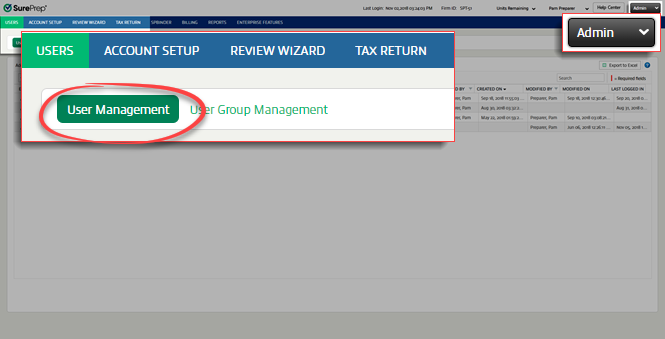
to add and manage your firm users. Firm administrators should add new firm members as users, and every user should have their own user sign-in credentials. To access User Management
, go to FileRoom
, Admin
, Users
, then User Management
.
You can perform the following actions on the
User Management
page:- Creating new users
- Editing users
- Activating users
- Resending user activation email
- Disabling users
- Reactivating disabled users
- Bulk update users
- Deleting users
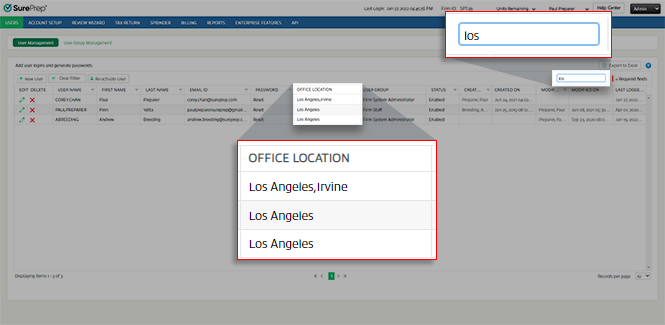
You can use the search feature to find clients based on username, first name, last name, email id, and office location.
Related Content
-
Create new users individually
Format: Article
-
Edit users
Format:
Article
-
Bulk create and update users
Format:
Article
-
Delete users
Format:
Article
-
Turn off user accounts
Format:
Article
-
Export users to Excel
Format:
Article
-
Single sign-on (SSO) user management
Format:
Article
-
A quick tour (begin here)
Format:
Article

