
Access FileRoom
Follow these steps to sign in to FileRoom.
- Go to the SurePrep FileRoom sign-in page.noteBookmark the FileRoom sign in page for quick access.
- Select Sign in withThomson Reuters Account.
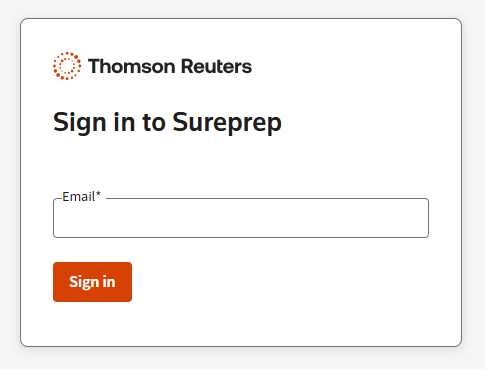
- Enter your email in theEmailfield, then selectSign in.
 If you have not set up an SSO login, enter the 6-digit code to verify your identity.
- From the dropdown, selectFileRoom.

- You are now logged in to FileRoom.

Related Content
-
About Firm ID
Format: Article
-
Navigate records
Format:
Article
-
View other tax years in FileRoom
Format:
Article
-
Use the access filter
Format:
Article
-
Set up and filter columns
Format:
Article
-
Filter tabs
Format:
Article

