
Files module overview
The Files module can be accessed by clicking
Files
in the navigation bar. note
The Files module is displayed only if a Site Administrator has enabled it and the user has permission to access it.
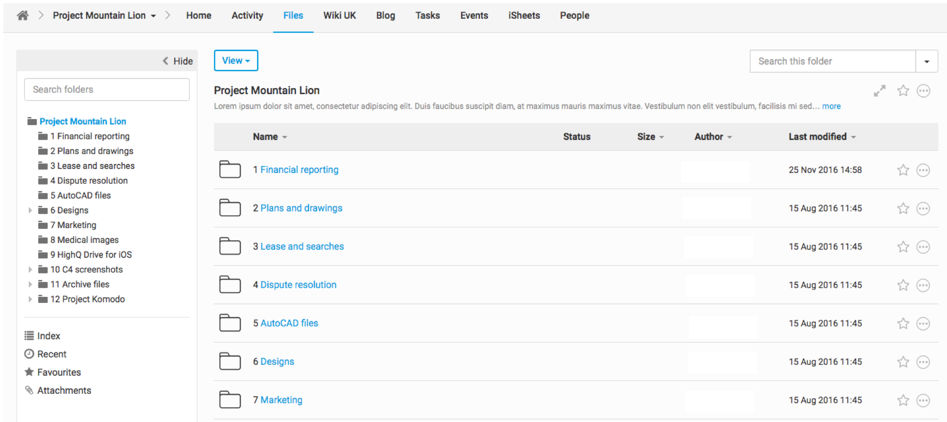
The Files module is a sophisticated file management tool that stores all the files for a site. Any file type can be added to HighQ, but certain types of files cannot be previewed, converted to PDF, made subject to digital rights management or full-text indexed.
The Files module has these key features, many of which can be enabled or disabled:
- Limit access to individual folders and files to selected users and groups. Access rights can be determined at the site level, folder level or file level.
- Bulk upload and downloads.
- Show files from an iSheet attachment column
- Digital rights management, to restrict users from saving and printing files, as well as the option to add watermarks
- Full-text search and metadata filtering.
- Multiple sorting options, including chronologically, alphabetically or custom
- Add custom fields (metadata) to files and folders with iSheets
- Automated notifications of new files and versions
- DMS integration (at additional cost)
- Full audit trail and related, pre-configured reports
- Any type of file, of virtually any size, is supported
- Individual file disclaimers
File downloads
Users can download a file from anywhere in the system via the
Download
button located next to the file.