
Shapes annotations
Pencil
Use the  annotation to draw annotations however you like. The
  tool lets you draw lines in any shape using the selected color. However, you can modify the line's color, thickness, and opacity as necessary.
Pencil
annotation to draw annotations however you like. The Pencil
tool lets you draw lines in any shape using the selected color. However, you can modify the line's color, thickness, and opacity as necessary.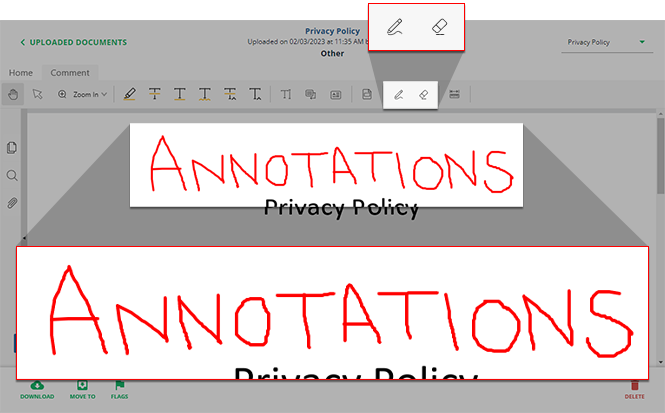
Eraser
Use the  to erase parts of the pencil annotation.
Eraser
tool to erase parts of the pencil annotation.note
You can use the  tool to select all annotation pieces at once, then select
Select text & annotation
tool to select all annotation pieces at once, then select Delete
from the shortcut menu.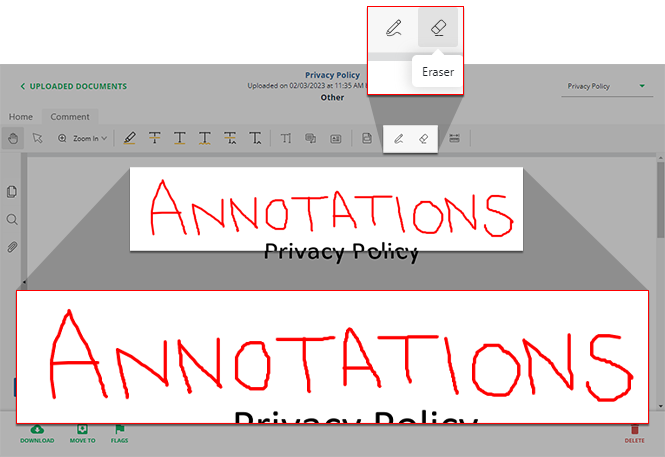
Highlight area
If you want to highlight an area with or without text, use the  annotation.
Highlight Area
annotation.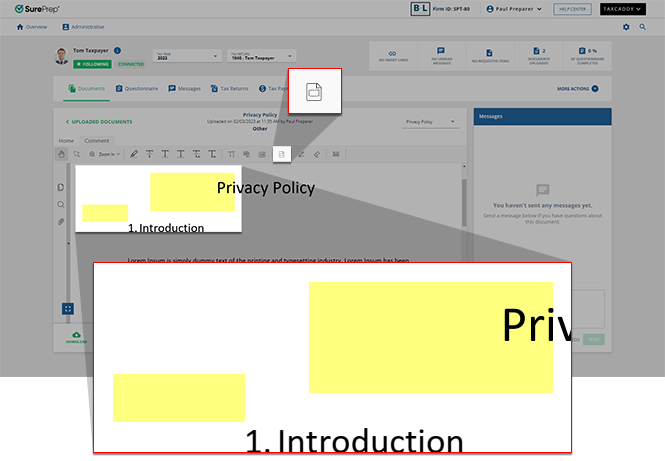
Related Content
-
Document Viewer (PDF Viewer)
Format: Article
-
Textbox annotations
Format:
Article
-
Document Viewer (PDF Viewer)
Format:
Article
-
Rename documents
Format:
Article
-
Switch between tax documents
Format:
Article
-
Text annotations
Format:
Article
-
Document Viewer (PDF Viewer)
Format:
Article
-
Rename documents
Format:
Article
-
Switch between tax documents
Format:
Article
-
Change annotation style
Format:
Article
-
Delete annotations
Format:
Article
-
Viewing clients' tax documents
Format:
Article

